-Photoroom.png)
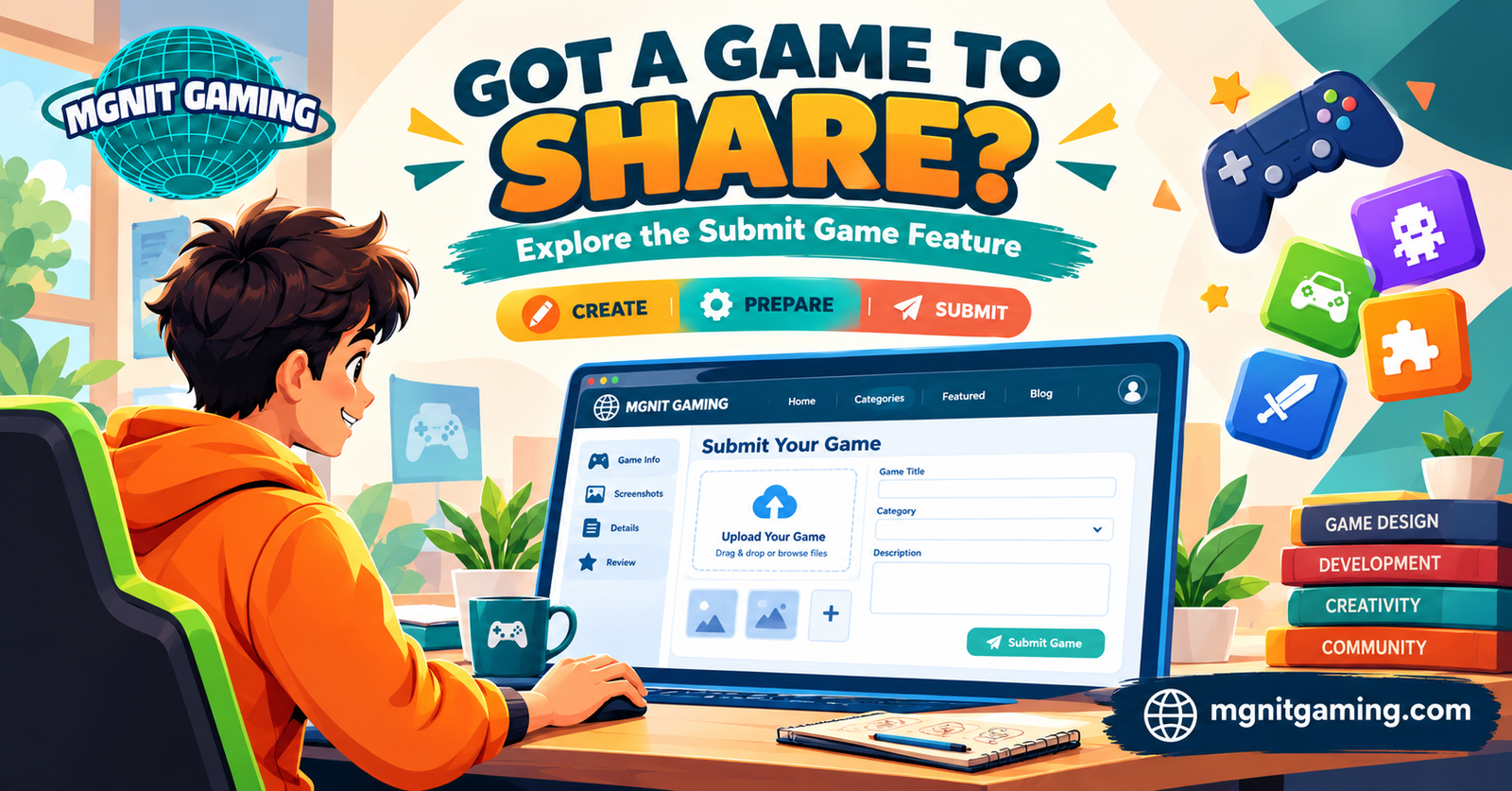
Got a Game to Share? Explore the Submit Game Feature on MGNIT Gaming
Every game starts with an idea. It might begin with a simple puzzle, an original character, an interesting challenge, or a new way to play. After developing and testing that idea, creators often look for opportunities to share their work with a wider audience.
Finding the right platform is an important part of that process. Creators need to understand submission requirements, prepare clear game information, and check whether a website supports their type of project.
MGNIT Gaming offers a Submit Game option on its website, giving interested creators a place to begin exploring its submission process. This feature is part of the platform's wider collection of website sections, alongside gaming categories and other content.
In this guide, we will look at what game submission involves, how creators can prepare, and what to check before using the feature.
Why Game Submission Matters
Creating a game is only one part of bringing a project to players. People also need a way to discover it, understand how it works, and decide whether they want to try it.
Game submission features can provide a structured route for creators to present their projects to a platform. Depending on the website, creators may be asked to provide a game title, description, category, screenshots, or a playable link.
A clear submission process can help both sides. Creators can present their work in an organized way, while the platform can review the information supplied.
However, every website has its own rules. Submitting a game does not automatically guarantee acceptance or publication, so reviewing the requirements is essential.
Discover the Submit Game Feature on MGNIT Gaming
MGNIT Gaming includes a Submit Game option in its website navigation. It gives visitors interested in sharing games a starting point for learning about the platform's submission process.
Before submitting a project, visit the official website and open the relevant section. Read the instructions carefully to understand the supported formats, required information, and any conditions that may apply.
Do not assume that every game format, external link, or hosting method is accepted. The current instructions should determine whether your project is suitable.
Explore the website: https://www.mgnitgaming.com/
The Submit Game feature is one example of how a gaming platform can offer different ways for visitors and creators to engage with its website.
Prepare Your Game Before Submitting
A little preparation can make it easier to present your game clearly. Before starting the submission process, organize the information you may need.
Choose a Clear Game Title
Use a title that identifies your game and is easy to understand. Check its spelling and make sure it matches the title used in the game itself.
Write an Informative Description
Explain the main objective, how the game works, and what players can expect. Keep the description accurate and easy to read.
Avoid making claims about features that the game does not have. A straightforward explanation is more useful than exaggerated promotional language.
Prepare Screenshots or Visuals
If the submission process requests images, use clear visuals that represent the actual game. Screenshots should help visitors understand the gameplay rather than create a misleading impression.
Make sure you have permission to use all artwork and other included assets.
Test the Game
Before sharing a game, check its controls, loading behavior, instructions, and general functionality. If the project is browser-based, test it in the environments it is intended to support.
Fix significant issues where possible and provide accurate information about any relevant requirements.
Check Ownership and Submission Requirements
Creators should make sure they have the right to submit the game and its included materials.
This includes code, artwork, music, sound effects, fonts, characters, and other third-party assets. If a project uses licensed material, confirm that the license allows the intended distribution and use.
Also check whether the platform has content guidelines, technical specifications, or eligibility rules. Follow the instructions provided by MGNIT Gaming rather than relying on assumptions about its review process.
If anything is unclear, look for official guidance or available contact information before submitting.
Make Your Game Information Easy to Understand
A professional presentation helps others understand what you have created.
Consider these practical tips:
- Be specific: Describe the main gameplay and objective.
- Keep information organized: Use the fields requested by the submission form.
- Use accurate visuals: Make sure screenshots represent the current version.
- Check every link: Confirm that supplied links work and lead to the intended destination.
- Review before submitting: Correct spelling mistakes and incomplete details.
- Follow the rules: Provide only information and files permitted by the platform.
These steps can improve the clarity of your submission, although they cannot guarantee that a platform will accept or publish a game.
How the Feature Fits Into the MGNIT Gaming Platform
A gaming website can serve several types of visitors. Players may want to explore games, readers may look for gaming-related articles, and creators may be interested in submission opportunities.
MGNIT Gaming includes gaming categories such as Arcade, Puzzles, Hypercasual, Adventure, and Action. Its website also includes sections such as Blog and Leaderboards, alongside the Submit Game option.
These sections provide different ways to explore the platform. The categories help visitors browse by gaming style, the blog provides written content, and the leaderboard section offers a place to explore ranking-related information.
For creators, the Submit Game option is the natural starting point for checking whether the platform's submission process fits their project.
What to Expect After Submission
The next steps depend on the platform's actual process. Some websites review submissions before publishing, while others may request additional details or corrections.
After submitting, follow any instructions or confirmation information provided by the website. Keep a copy of your game details and any relevant links for your own records.
Avoid assuming that a submission has been approved simply because a form was completed. Check for an official confirmation or publication notice before sharing claims about your game's status.
Understanding this distinction helps creators manage expectations and communicate accurately about their projects.
Frequently Asked Questions
H3: What is the Submit Game feature on MGNIT Gaming?
It is an option on the MGNIT Gaming website for visitors interested in submitting games. Visit the official website to review the current instructions and requirements.
What information should I prepare before submitting a game?
Depending on the submission requirements, you may need a title, description, category, screenshots, gameplay information, or a playable link. Follow the actual form's instructions.
Can I submit any type of game?
That depends on the formats and eligibility rules supported by the platform. Check the current submission guidelines before preparing your project.
Does submitting a game guarantee publication?
No. Submission and publication are different steps. The platform may review a submission and decide whether it meets its requirements.
Should I own the rights to the game's assets?
You should have the necessary rights or permissions for the game and its included materials. Check the relevant licenses before submitting.
Where can I find the Submit Game option?
Visit https://www.mgnitgaming.com/ and look for the Submit Game option in the website navigation.
Sharing a game involves more than making a project available online. Creators need to present their work clearly, test its functionality, respect intellectual property, and follow the requirements of the platform they choose.
MGNIT Gaming's Submit Game option provides a starting point for creators who want to explore its submission process. Reviewing the official instructions and preparing accurate game information can help you understand the next steps.
If you have a game ready to share, begin by visiting the website and checking its current requirements. A clear, well-prepared submission is a practical way to present your project professionally.
Got a game to share? Explore the possibilities with MGNIT Gaming.
Visit https://www.mgnitgaming.com/ to get started.